How to Add Credits on Game Vault 777 — Every Method Explained (2026)
If you’ve just set up your Game Vault 777 account and you’re wondering how to add credits on Game Vault 777 so you can start playing — you’re in the right place. The credit loading process is straightforward once you know exactly how it works, but it’s different from most apps you’ve used before. Unlike standard app stores or subscription services, Game Vault 777 uses a verified agent system to process credit purchases securely. This guide walks you through every step, every payment method accepted, how to claim free credits, and how to avoid the most common deposit mistakes players run into.
How the Game Vault 777 Credit System Works
Before adding credits, it helps to understand the system. Game Vault 777 is a free-to-play social casino — this means you do not gamble with real money directly. Instead, you purchase in-game credits through the platform’s secure credit system. Those credits are used to play slots, fish games, card games, and all other titles in the library.
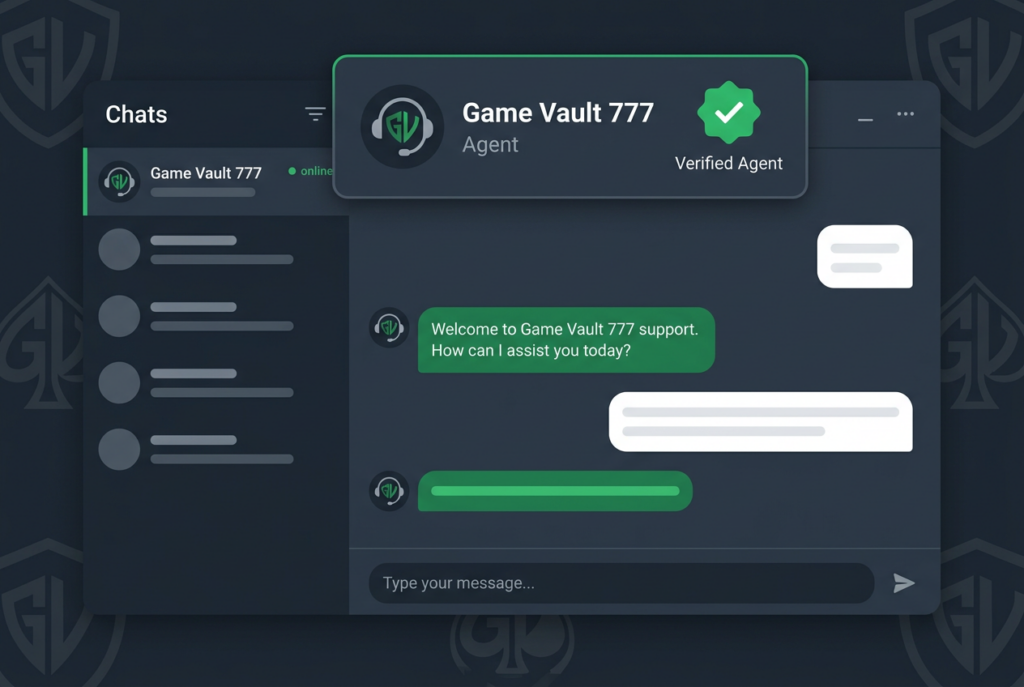
Credits are loaded to your account by verified agents — official platform representatives who process transactions on behalf of Game Vault 777. This agent-based model keeps your payments secure and transactions monitored. Every verified agent carries an official verification badge issued by the platform. You should always confirm this badge before sending any payment to anyone claiming to be a Game Vault 777 agent.
The process works like this:
- You contact a verified agent through an official channel
- You choose how many credits you want and confirm the total
- You send payment using your preferred method
- The agent loads the credits to your account — usually within minutes
- Your balance updates and you can start playing immediately
This is the only legitimate way to add credits on Game Vault 777. There is no self-service “buy credits” button inside the app itself — all transactions go through the verified agent network.
Step-by-Step: How to Add Credits on Game Vault 777
Here is the complete process from start to finish.
Step 1 — Contact the Official Game Vault 777 Team
Start by reaching out through one of the three official support channels listed on GameVault777.vip:
- Facebook Messenger — facebook.com/gamevault7701
- Telegram — @gamevaultvip777
- WhatsApp — Available via the contact link on the official site
All three channels are monitored 24/7. Response times are typically within minutes during active hours. State clearly that you want to load credits — include your registered username so the agent can pull up your account immediately.
Step 2 — Confirm the Verified Agent Badge
Before proceeding with any payment, confirm the agent you’re speaking with has an official verification badge. This is a critical safety step. Game Vault 777’s own platform warns players explicitly that unverified individuals posing as agents are one of the most common scam tactics in the social gaming space.
If the person you’re speaking with cannot show a verification badge, or is asking you to pay through an unofficial channel, stop the conversation and contact the official team through GameVault777.vip directly.
Step 3 — Choose Your Credit Amount
Tell the agent how many credits you want to load. The agent will confirm the current credit package pricing and any active bonus offers. For example, as a new player you’re eligible for the 100% welcome bonus — if you load a certain amount of credits, you receive an equal amount in bonus credits on top. Always ask about active bonus offers before confirming your order.
See our Game Vault 777 bonus guide for all current bonus offers and how to claim them.
Step 4 — Send Payment Using Your Preferred Method
Once you’ve confirmed the credit amount and price, send payment using one of the accepted methods below. The agent will provide their payment details — double-check these match the official platform before sending.
Step 5 — Credits Load to Your Account
After payment is confirmed by the agent, credits are loaded to your Game Vault 777 account. In most cases this happens within 5–10 minutes. Open the app, log in, and check your balance at the top of the lobby screen. If your credits haven’t appeared after 15 minutes, message the agent again with your payment confirmation screenshot.
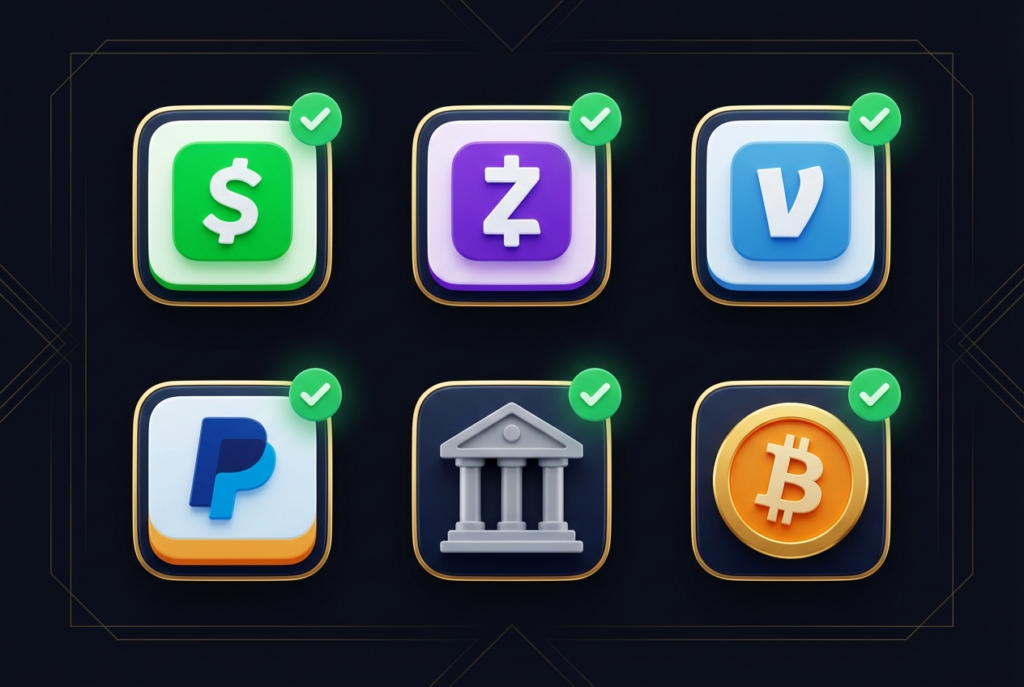
Payment Methods Accepted on Game Vault 777
Game Vault 777 accepts a range of payment methods through its verified agent network. The specific methods available to you may vary slightly by region and agent — confirm with your agent before sending.
CashApp
One of the most popular payment methods among US players. Fast, instant transfers directly from your CashApp balance or linked bank account. Send the exact amount confirmed by the agent to their official CashApp tag. Take a screenshot of the completed payment as proof.
Zelle
Bank-to-bank transfers via Zelle are fast and fee-free for most US bank accounts. Simply send to the agent’s registered Zelle email or phone number. Transfers typically clear immediately.
Venmo
Widely used and accepted by most Game Vault 777 agents. Send as a personal payment (not a business transaction) to avoid holds. Include your Game Vault username in the payment note so the agent can match the payment to your account instantly.
PayPal
Accepted through many agents. Use the “Friends and Family” option where available. Include your username in the payment note.
Bank Transfer / Wire
Direct bank transfers are accepted for larger credit loads. Processing time varies by bank — typically same-day for domestic transfers.
Crypto (Bitcoin, USDT, Ethereum)
Cryptocurrency payments are accepted and processed quickly. Useful for players who prefer privacy or are sending from outside the US. The agent will provide their wallet address — always double-check the address character by character before sending, as crypto transactions are irreversible.
Important: Always send the exact amount agreed with the agent. Never send “extra” to test a transaction — confirm the amount precisely beforehand. Always keep your payment receipt or screenshot until credits are confirmed in your account.
How to Get Free Credits on Game Vault 777
You don’t always have to pay to add credits. Game Vault 777 offers several ways to earn free credits that load directly to your balance:
Welcome Bonus. New players receive a 100% match bonus on their first credit load — effectively doubling your starting balance. This is automatically applied when you load credits for the first time. Full details in our Game Vault 777 bonus guide.
Daily Login Bonus. Log into Game Vault 777 every day and collect your daily credit reward. This is the simplest free credit source — just open the app, claim the bonus, and it’s added to your balance immediately. Maintaining a daily login streak increases the bonus amount over time.
Referral Credits. Invite friends to join Game Vault 777 using your personal referral link. When they sign up and load credits, you receive a referral bonus credited to your account. The more active players you refer, the more referral credits you earn.
Bonus Events. Game Vault 777 runs periodic promotional events — including the Midnight Party deposit match event and seasonal promotions — where loading credits during a specific window earns enhanced bonuses. Keep an eye on the official Game Vault 777 Facebook page for event announcements.
Hourly Wheel. Log in and spin the Hourly Wheel for a chance at free credit drops every hour. Small amounts, but they add up over the course of a daily session.
Common Credit Loading Problems — And How to Fix Them
Credits not showing after payment
If you sent payment but credits haven’t appeared after 15 minutes, first check that the agent has confirmed receipt of your payment. Send them a screenshot of the transaction. In most cases, a brief delay is caused by the agent confirming the payment on their end — it resolves quickly once they acknowledge it.
If the agent is unresponsive after 30+ minutes, contact Game Vault 777 support directly through the official channels on GameVault777.vip and provide your payment confirmation, username, and the agent details.
Sent to wrong account
Always double-check payment details before sending. If you sent to the wrong CashApp or Venmo tag, contact your payment app’s support team immediately — most platforms have a dispute or reversal process for recent transactions. Then notify your Game Vault 777 agent.
Agent asking for extra payment before releasing credits
This is a scam. Legitimate Game Vault 777 agents never ask for additional payments after you’ve already paid. If an agent requests extra funds to “release” or “unlock” your credits — stop all communication immediately and report to the official Game Vault 777 support team. See our guide on how to identify verified agents and avoid fakes for a full breakdown of warning signs.
Balance shows zero after reload
Log out of the app completely, wait 60 seconds, and log back in. Credit balance sometimes takes a moment to sync after a reload. If zero persists after logging back in, take a screenshot of your empty balance and share it with your agent alongside your payment confirmation.
Quick Reference: Adding Credits on Game Vault 777
| Step | Action |
|---|---|
| 1 | Contact official team via Messenger, Telegram, or WhatsApp |
| 2 | Confirm the agent’s verification badge |
| 3 | Choose your credit amount + ask about active bonuses |
| 4 | Send payment via CashApp, Zelle, Venmo, PayPal, bank, or crypto |
| 5 | Wait 5–10 minutes for credits to appear in your balance |
| 6 | Screenshot your payment as proof until credits are confirmed |
Frequently Asked Questions
How long does it take for credits to load on Game Vault 777?
In most cases credits appear in your account within 5–10 minutes of the agent confirming your payment. During peak hours or if the agent is handling multiple requests, it can occasionally take up to 30 minutes. If credits haven’t appeared after 30 minutes, send your payment screenshot to the agent and request confirmation. For ongoing loading issues, contact support directly at GameVault777.vip.
Is there a minimum amount of credits I can buy on Game Vault 777?
Minimum credit amounts vary by agent and current promotions. When you contact your verified agent, they will confirm the current minimum purchase amount along with available package sizes and any active bonus offers. New players are encouraged to ask about the welcome bonus before their first credit load, as it doubles your starting balance.
Can I add credits on Game Vault 777 without an agent?
No — the verified agent system is the only way to load credits on Game Vault 777. There is no in-app purchase button or direct payment portal. This agent-based model is how the platform maintains secure, monitored transactions. Always use the official contact channels on GameVault777.vip to connect with a verified agent — never pay anyone who contacts you first without you initiating the request.
Conclusion
Adding credits on Game Vault 777 is a fast, simple process once you know how the verified agent system works. Contact the official team through Messenger, Telegram, or WhatsApp, confirm the verification badge, choose your credit package, and send payment through any of the accepted methods. Most players are loaded up and playing within 10 minutes. And don’t forget to ask about the 100% welcome bonus before your very first credit load — it’s the best way to maximize your starting balance. Ready to get started? Visit GameVault777.vip and connect with the team now.